
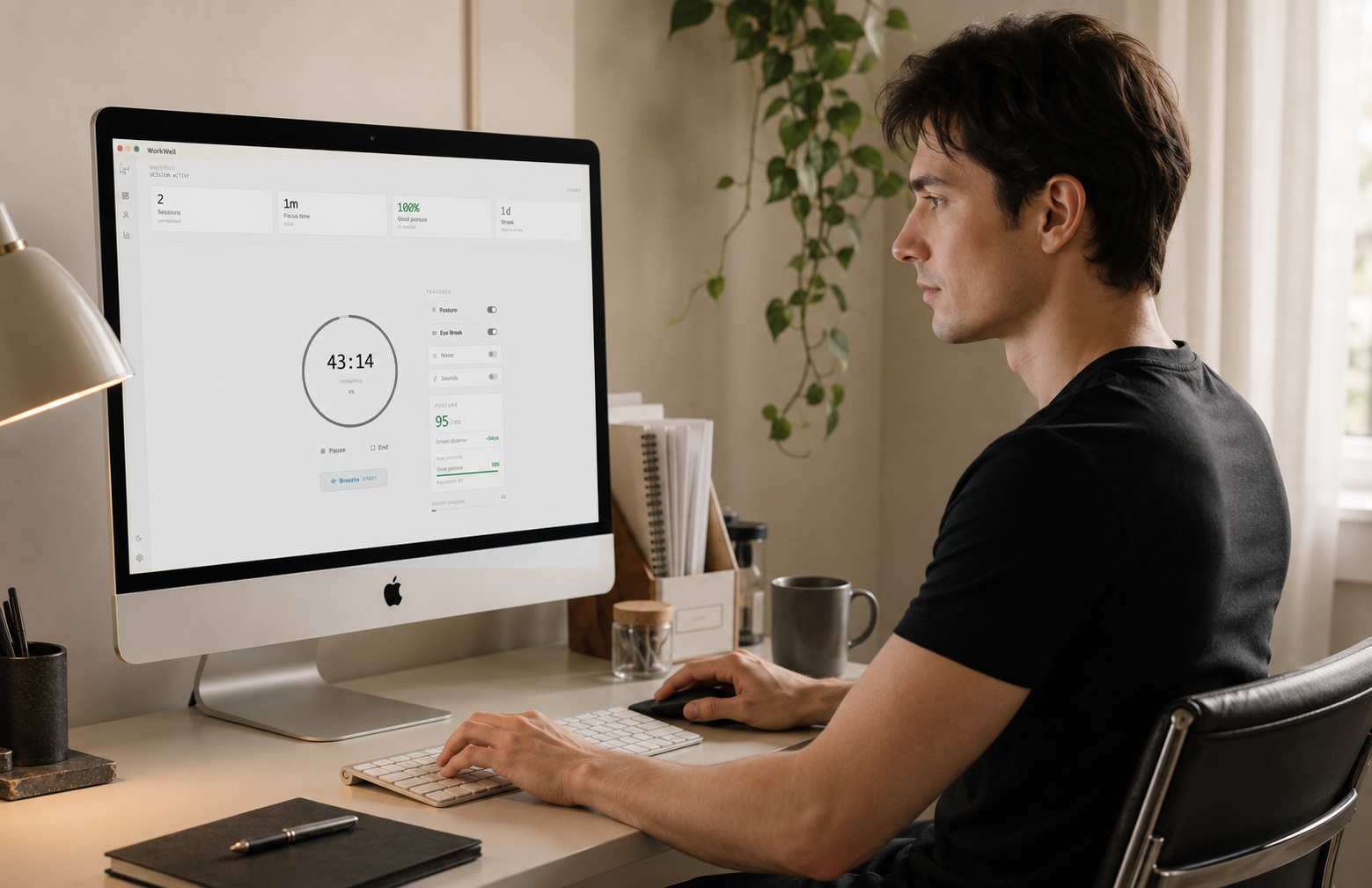
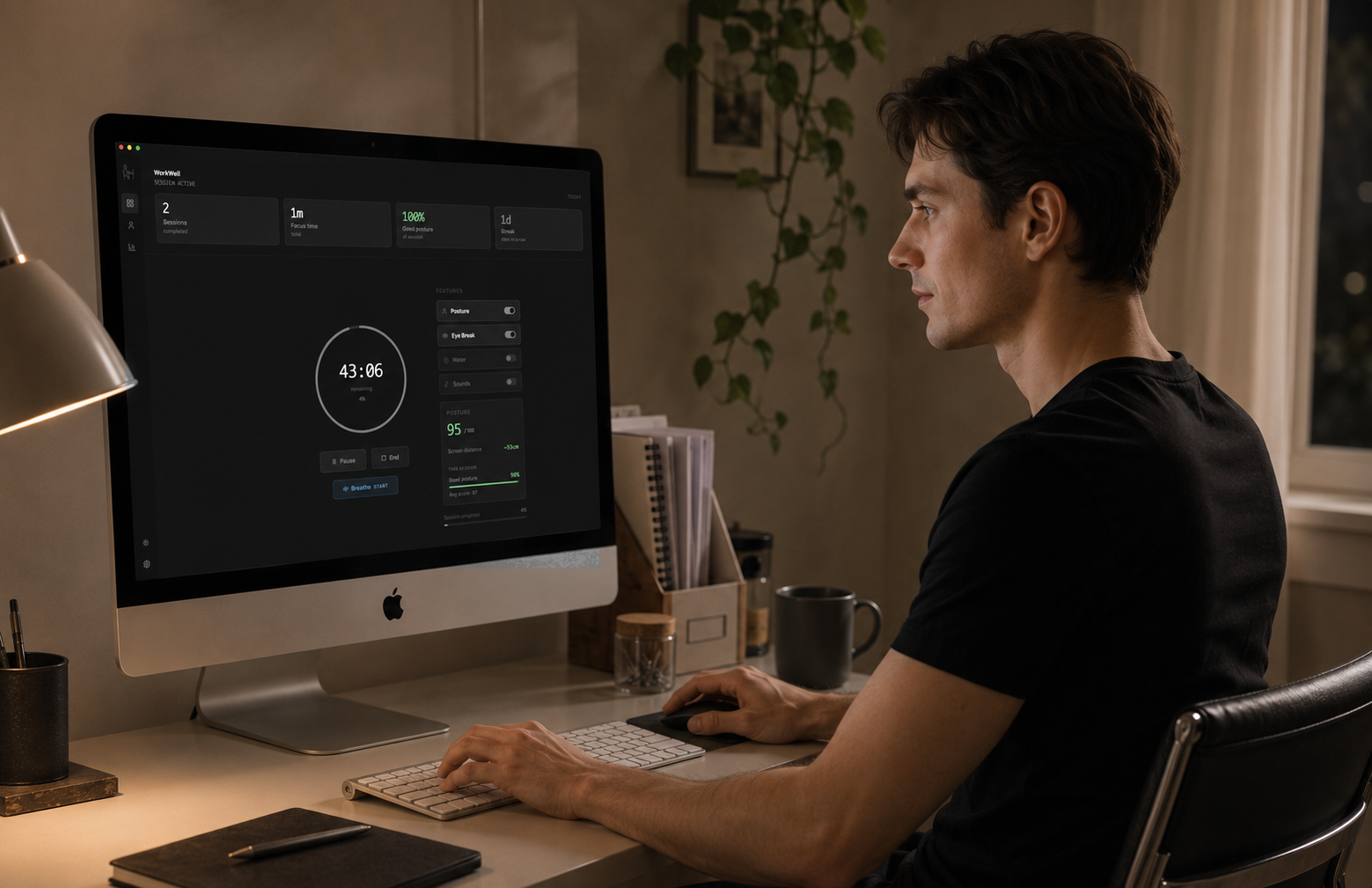
Fix your posture without thinking about it.
TryWorkWell tracks your posture with your webcam, or AirPods on a Mac, and alerts you the moment you slouch. Everything runs on your device, nothing is ever uploaded.
You don't feel yourself slouch.
You feel it four hours later.
In your neck, then a headache by mid-afternoon. A standing desk won't catch it. TryWorkWell does, quietly, in the background.
See it work before you install it.
It watches your posture and nudges you the moment you slouch or lean in too close.
Three steps. No setup wizard.
Sit up straight, click calibrate
TryWorkWell takes a few seconds to learn your best posture. That's your baseline.
Start a session
TryWorkWell checks your posture and screen distance every few seconds.
Get nudged, not nagged
One notification when you slouch. Nothing until then.
Runs quietly. Speaks up when it matters.
Nothing to manage. Start a session and it works in the background.
Calibrates to how you sit. Alerts on sustained slouching, not one bad frame. Webcam, or AirPods on a Mac.
Flags it the moment you drift too close to the screen, before your eyes pay for it.
Based on the 20-20-20 rule, with your own interval from 10 minutes to an hour.
Interval nudges to drink and stay hydrated through a long day.
A guided breathing exercise to reset when a session gets tense.
White, pink, and dark noise built in to settle into deep work, no extra tab.
Session and break timer with optional Pomodoro auto-cycling.
Your daily posture score and streaks, stored on your machine, never uploaded.
Your camera never leaves your device
Every few seconds, only while a session is running.
The app checks one thing locally: are you slouching, yes or no.
Discarded instantly. Nothing saved, nothing uploaded, no server to send it to. Rather skip the camera? Use AirPods on a Mac.
People who stopped slouching without thinking about it
“I didn't realize how far forward my head had crept until the first alert fired. Two weeks in and the tension headaches I used to get by 4pm are just gone.”
Rohan
Jun 3, 2026
“Calibration took ten seconds and it just runs. I forget it's there until it taps me on the shoulder, which is exactly what I wanted.”
Elena
Jun 11, 2026
“The Pomodoro auto-cycling means I don't touch the timer all day. Session ends, break starts, next session starts. One less decision to make.”
Erik
Jun 17, 2026
“It doesn't nag. That's the part that made it stick. One alert, cooldown, back to work. No popup fatigue.”
Martin
Jun 8, 2026
“Started using it for the eye break reminders during long design sprints. The posture alerts turned out to be the feature I actually needed.”
Chris
May 26, 2026
“Two weeks in and the posture alerts are just genuinely useful, not gimmicky. Paying for it was the easiest call I've made this year.”
Andre
May 17, 2026
“Skeptical about a webcam app for this. Turned off wifi and it still worked, that's when I trusted the on-device claim.”
Daniel
Apr 30, 2026
“I didn't realize how far forward my head had crept until the first alert fired. Two weeks in and the tension headaches I used to get by 4pm are just gone.”
Rohan
Jun 3, 2026
“Calibration took ten seconds and it just runs. I forget it's there until it taps me on the shoulder, which is exactly what I wanted.”
Elena
Jun 11, 2026
“The Pomodoro auto-cycling means I don't touch the timer all day. Session ends, break starts, next session starts. One less decision to make.”
Erik
Jun 17, 2026
“It doesn't nag. That's the part that made it stick. One alert, cooldown, back to work. No popup fatigue.”
Martin
Jun 8, 2026
“Started using it for the eye break reminders during long design sprints. The posture alerts turned out to be the feature I actually needed.”
Chris
May 26, 2026
“Two weeks in and the posture alerts are just genuinely useful, not gimmicky. Paying for it was the easiest call I've made this year.”
Andre
May 17, 2026
“Skeptical about a webcam app for this. Turned off wifi and it still worked, that's when I trusted the on-device claim.”
Daniel
Apr 30, 2026
“The screen distance alert is the one that got me. I lean in when I'm debugging and never noticed until TryWorkWell started flagging it every session.”
Marcus
May 21, 2026
“Tried two other posture apps first. Both wanted the camera streaming to a server. TryWorkWell processing everything locally is the reason I actually kept it installed.”
Tom
May 30, 2026
“My physio told me to set a posture reminder for years. I never did until this. Three weeks of actual reminders did more than the advice ever did.”
James
May 14, 2026
“Started it for the water reminders, honestly. The interval nudges got my intake up within days, and the posture alerts ended up being the reason I paid.”
Ryan
Jun 22, 2026
“I work from a laptop on my kitchen table, worst possible setup. The distance alert alone has been worth it for my neck.”
Nathan
Apr 8, 2026
“Calibrated it once, forgot about it, then got a notification twenty minutes into a call that made me realize how far I'd slumped.”
Zach
Apr 18, 2026
“Recommended it to two coworkers after the first week. We compare posture streaks in our team chat now, which is a little unhinged but it works.”
Rob
Apr 6, 2026
“The screen distance alert is the one that got me. I lean in when I'm debugging and never noticed until TryWorkWell started flagging it every session.”
Marcus
May 21, 2026
“Tried two other posture apps first. Both wanted the camera streaming to a server. TryWorkWell processing everything locally is the reason I actually kept it installed.”
Tom
May 30, 2026
“My physio told me to set a posture reminder for years. I never did until this. Three weeks of actual reminders did more than the advice ever did.”
James
May 14, 2026
“Started it for the water reminders, honestly. The interval nudges got my intake up within days, and the posture alerts ended up being the reason I paid.”
Ryan
Jun 22, 2026
“I work from a laptop on my kitchen table, worst possible setup. The distance alert alone has been worth it for my neck.”
Nathan
Apr 8, 2026
“Calibrated it once, forgot about it, then got a notification twenty minutes into a call that made me realize how far I'd slumped.”
Zach
Apr 18, 2026
“Recommended it to two coworkers after the first week. We compare posture streaks in our team chat now, which is a little unhinged but it works.”
Rob
Apr 6, 2026
Answered before you have to ask
Is my camera footage stored anywhere?+
No. A webcam app watching your posture is fair to be suspicious of, so here's exactly what happens: every frame is processed on your machine and discarded instantly. Nothing is recorded, nothing is uploaded, there's no server to send it to. The only output is a yes or no: are you slouching. Turn off the camera anytime.
Does this work on Windows, or just Mac?+
Both. Native app, not a website wrapped in a window.
Can I cancel anytime?+
Yes, from your account. No retention screen, no phone call.
Do I need a webcam?+
Only for posture and screen distance alerts. On a Mac, AirPods can track your posture instead (macOS 14+ with AirPods Pro, Max, or 3rd generation and newer).
Will it slow down my computer?+
It samples one frame every few seconds, a fraction of what a video call uses.
Start sitting better today.
Join the people who let TryWorkWell watch their posture, so they don't have to.